Manage Hyperlinks Easily with Save Links to ClickUp
Save Links to ClickUp is a simple and easy-to-use Chrome extension that helps users manage hyperlinks in ClickUp documents. With this tool, users can store and access important links according to various categories, making it convenient to retrieve them whenever needed.
The extension features an intuitive and straightforward user interface, ensuring a seamless experience for users. It allows users to create new categories, view their links, add titles to their links, and delete links when necessary.
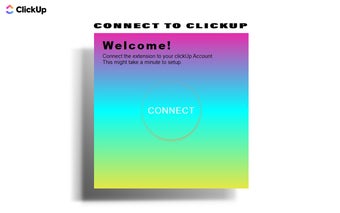
To start using Save Links to ClickUp, users need to install the extension and connect it to their ClickUp account. After logging in, users can select the team, space, and folder where they want to store their hyperlinks. It is important to note that users should create a folder in advance on the ClickUp website for the links.
Once set up, users can easily create new categories by typing the category name and clicking on the "Add category" button. To select a category, users can simply choose from the "Select the Category" dropdown menu. All links within the selected category will be displayed, and users can open them by clicking on the hyperlink or the title. If a link is no longer needed, users can easily delete it with the click of a button.
Adding a new link is also straightforward. Users need to select the desired category, enter the link title and URL in the respective sections, and click on the "Add Link" button.
Overall, Save Links to ClickUp is a valuable tool for individuals who frequently work with hyperlinks in ClickUp documents. Its user-friendly interface and essential features make managing and accessing links a breeze. Just ensure a stable internet connection and, in case of any issues, restart the extension for optimal performance.